
Skip to content
Quoteface

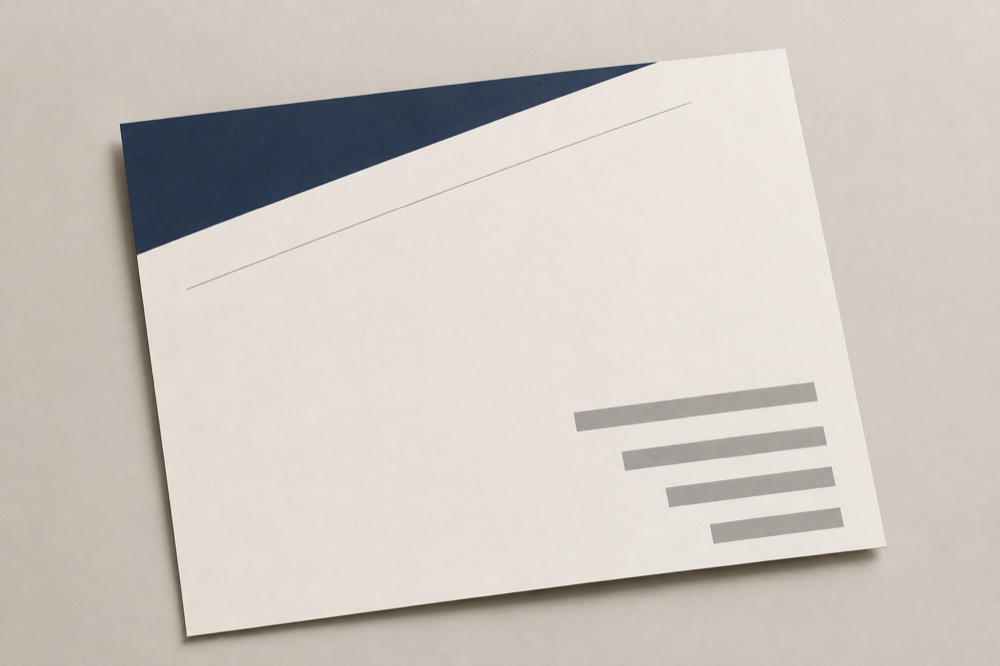
Proposal 01 / Cover

4,800

Same number.Different answer.

Most quotes leave as a line inside an email. The figure is right and it still reads like a price tag. Say what the work is and what it costs, and get proposal pages you can send, print and put on a table.

Free plan, 50 credits a month, no card required. We never suggest what to charge.

  • 01Built to be printed

    Screen pages and a 300 dpi print set, A4 and Letter, out of the same file.

  • 02Expiry is a required field

    A quote with no valid-until date is the most common way one goes wrong.

  • 03You keep the wording

    Every amount, date and term is typed by you and set in the browser, not drawn by a model.

Proposal 02

The number is not the problem.

As it usually arrives

01
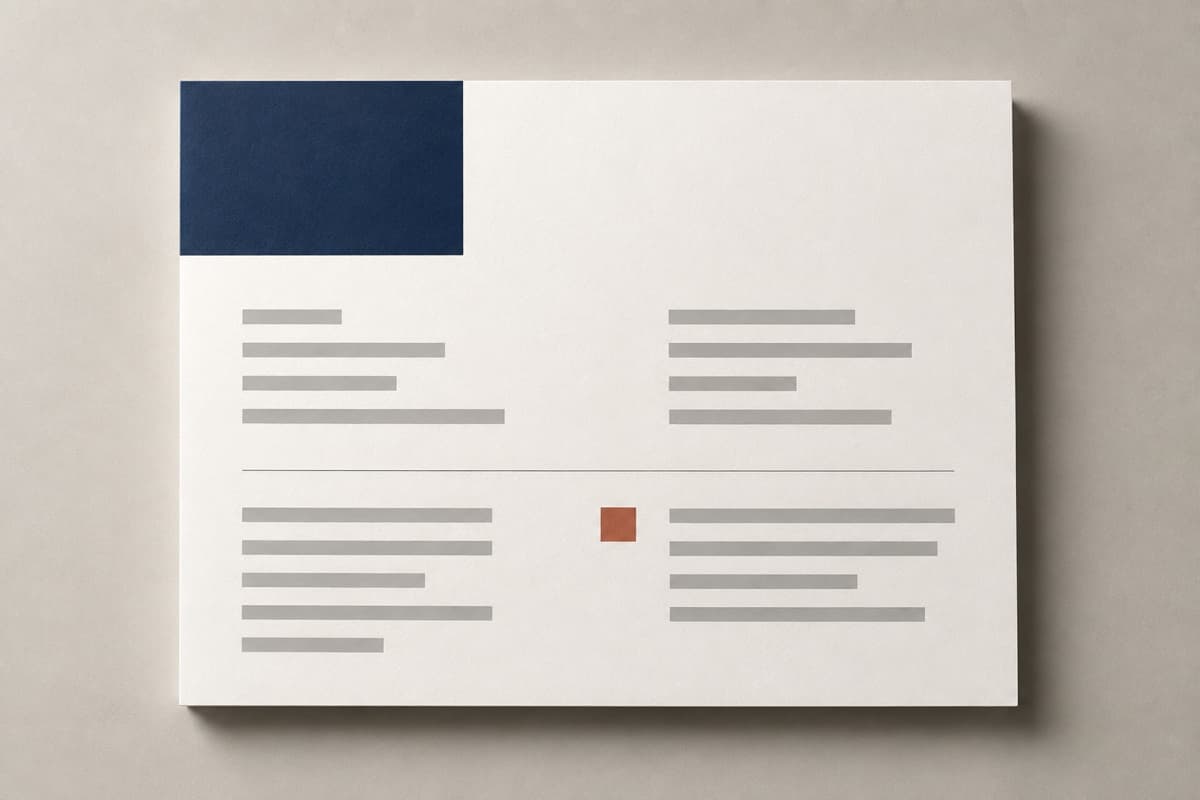
A flat sheet of even grey lines with no margins and no hierarchy

A figure in a paragraph.

Nothing tells the reader what is in scope, what is not, when it starts, or how long the price holds. So they do the only thing the message supports: compare it with the next one.

  • One amount
  • No boundaries
  • No expiry

As a proposal

02
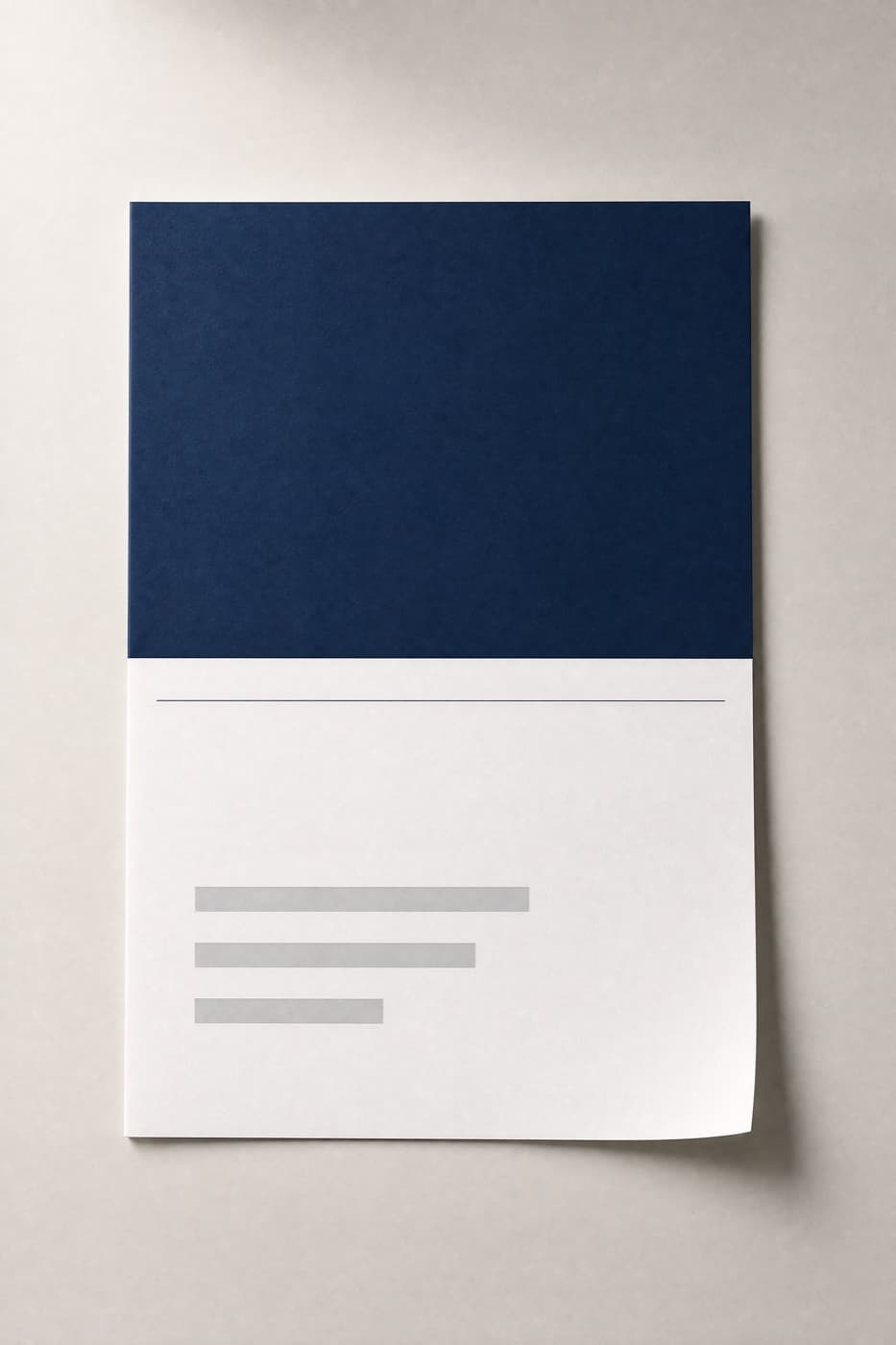
A thick sheet with a navy header block, wide margins and a clear hierarchy

The same figure, with a shape around it.

The reader sees the work before the price, sees where it stops, and sees a date the number is good until. The conversation starts from the scope instead of the total.

  • Scope, page by page
  • What is not included
  • Valid until a date you set

Quoteface changes none of your figures and offers no opinion on them. It has no rate data, no benchmarks and no view on whether 4,800 is the right number for your work. It arranges what you wrote so it can be read properly.

Proposal 03

Three steps, and one of them is reading it again.

01

Say it once, plainly
A blank card and a pen on a pale surface

One sentence: what the work is, what it costs, how long it takes. The assistant breaks that into a proposal structure — cover line, scope, timeline, price, and the page most quotes are missing.

It will ask you what is not included before it will lay anything out. That page is not optional.
02

Set the pages, type the figures

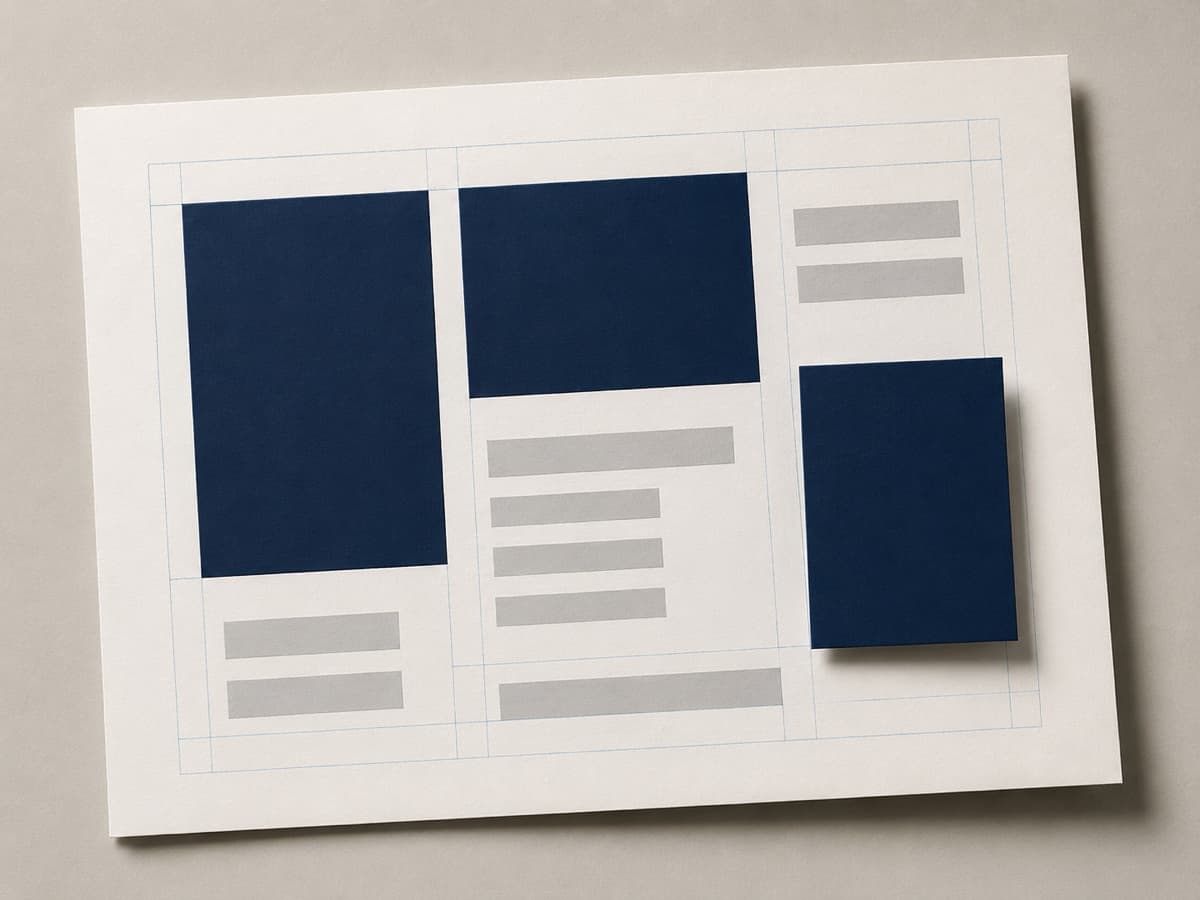
Navy blocks and grey bars being arranged on a gridded sheet

The generator produces the visual base of each page: blocks, rules, margins, white space. Every word and every number is set by the browser on top, and you edit it in place until it reads the way you want.

Five credits a page. Regenerate a layout as often as you like; the text you typed stays put.

03

Read it through, then export

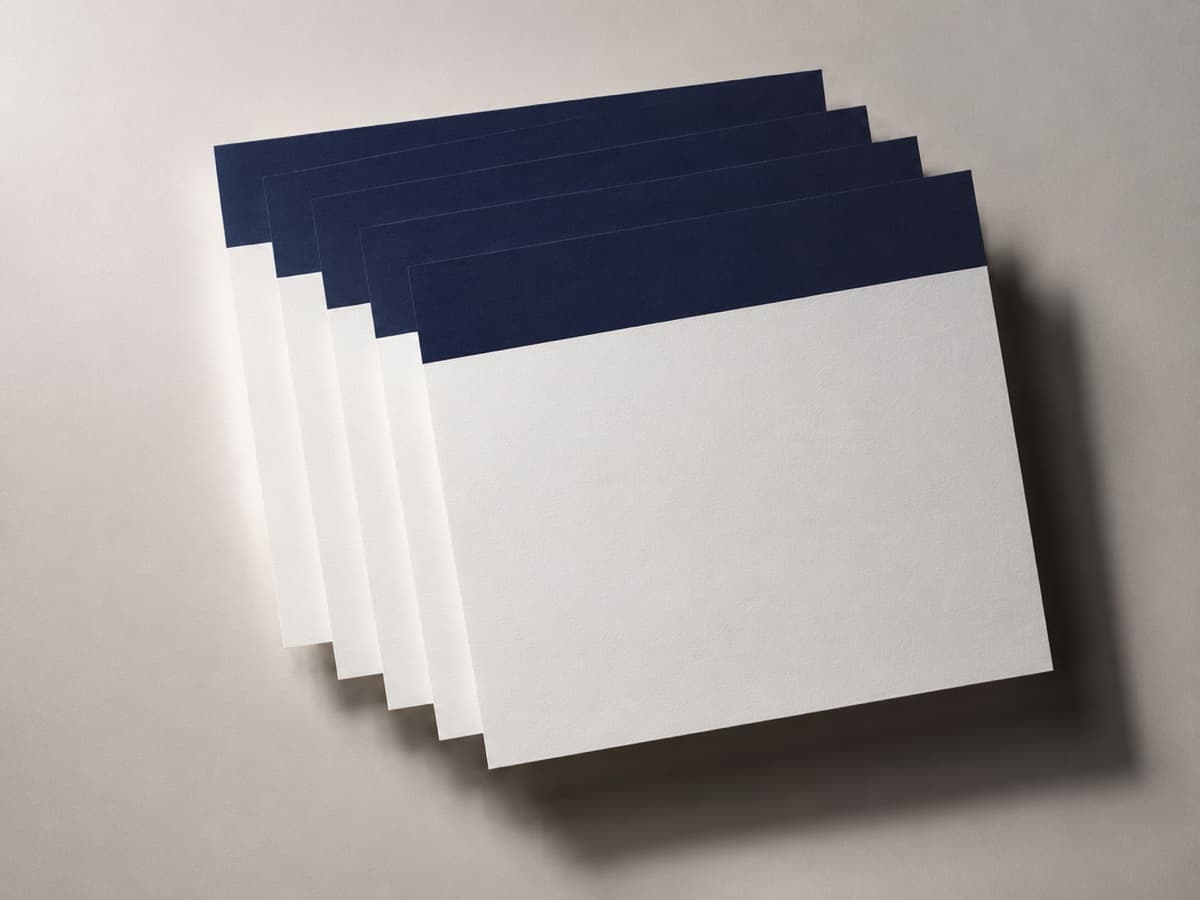
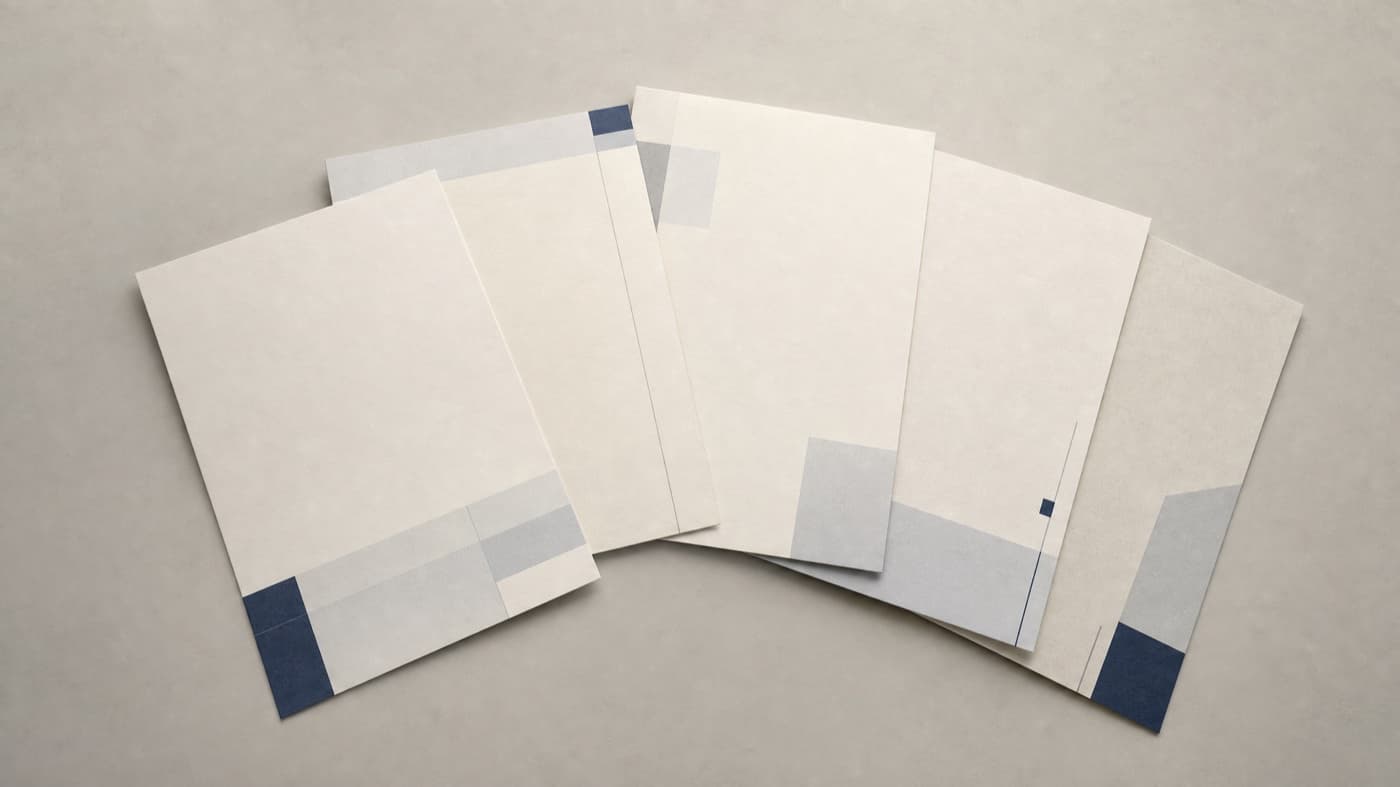
A fanned stack of freshly printed sheets

Before anything leaves, a proofreading step puts what you entered beside what appears on the finished page — amount, dates, terms, expiry — and you tick each line. Then export a screen set and a 300 dpi print set.

A4 and Letter. The print set is meant for a real printer, not a screenshot.

Proposal 04

Pages the generator makes.

These are page bases, exactly as they come out — composition, blocks, rules and white space, and no words at all. Your text and your figures are set over them in the browser, where you can correct them character by character.

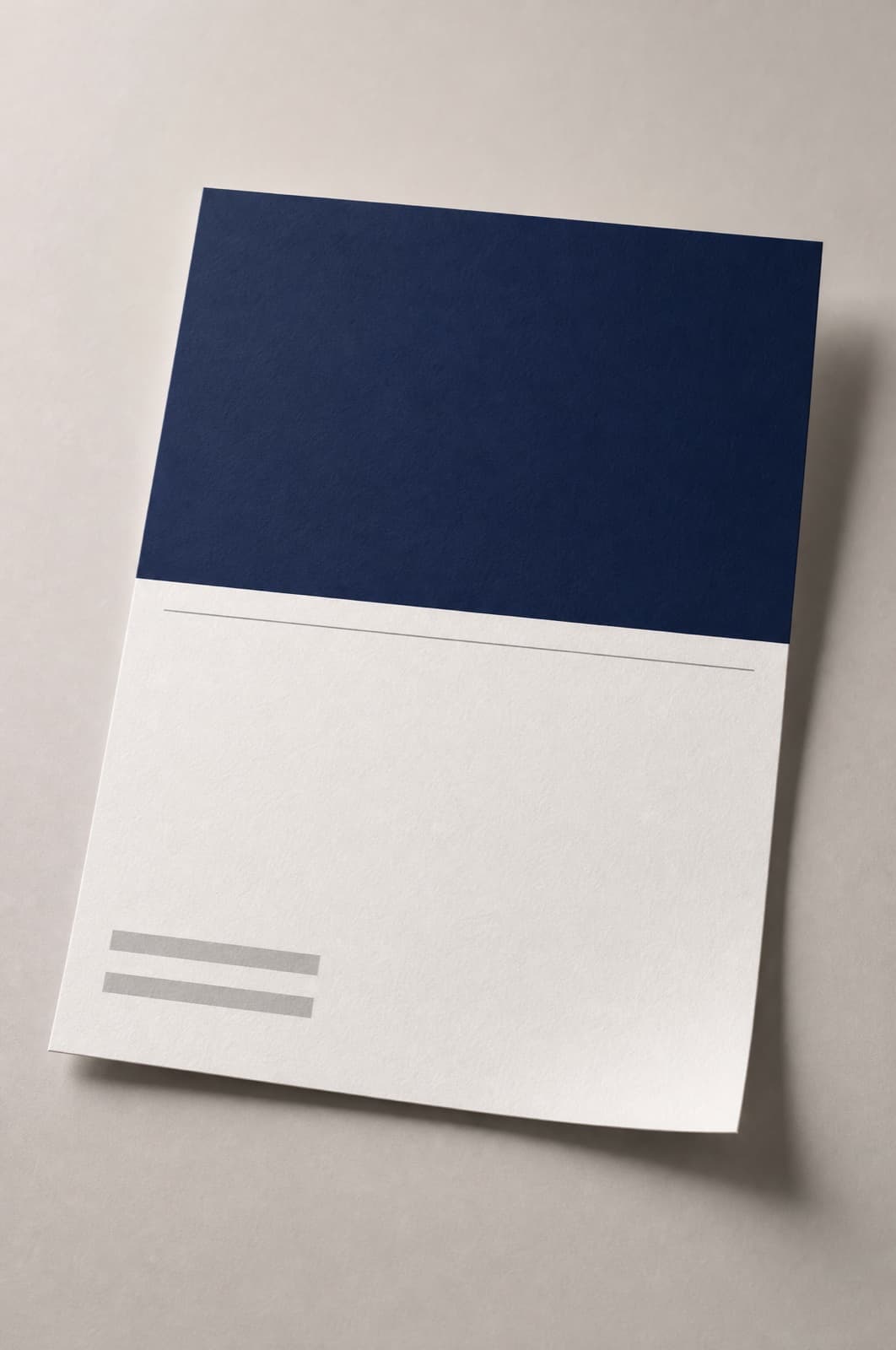
Cover base: solid ink block over an open lower half
Download
Cover5 cr
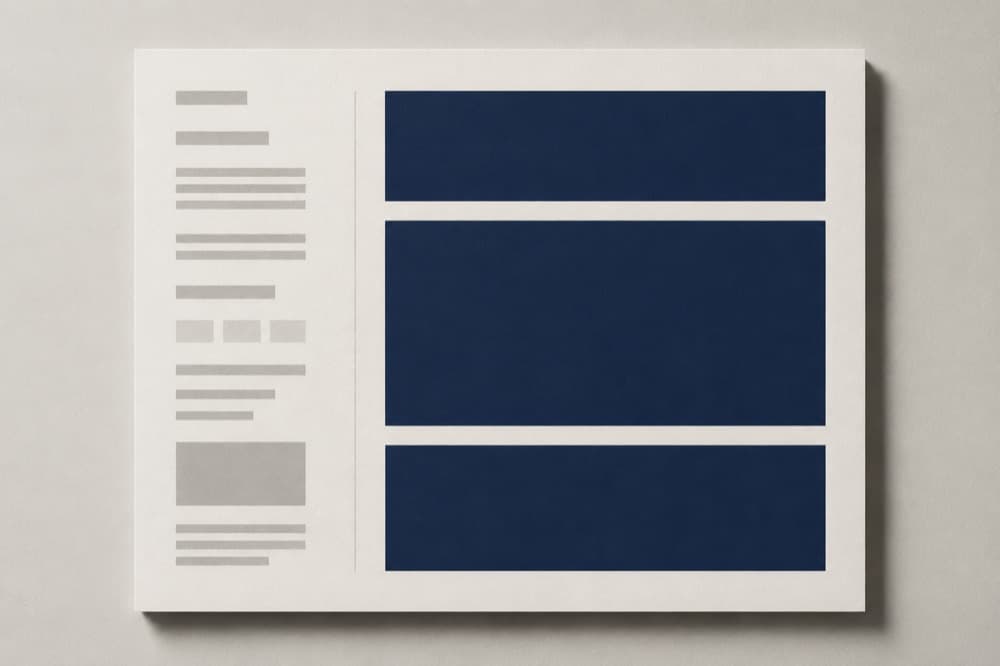
Two-column scope base with a vertical rule
Download
Scope, two columns5 cr
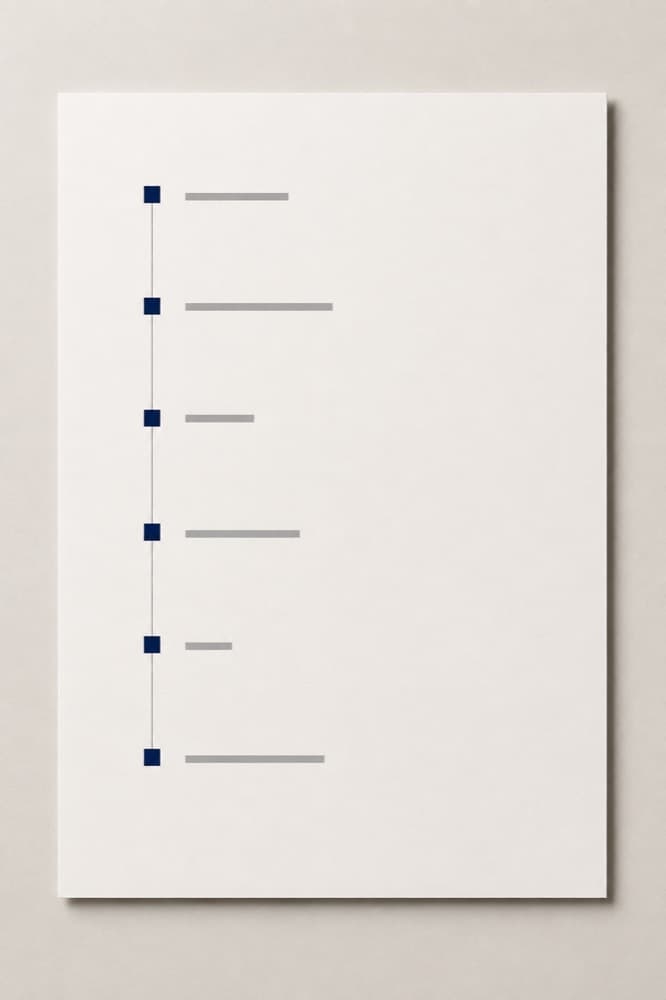
Vertical timeline base with spaced marks
Download
Timeline, vertical5 cr
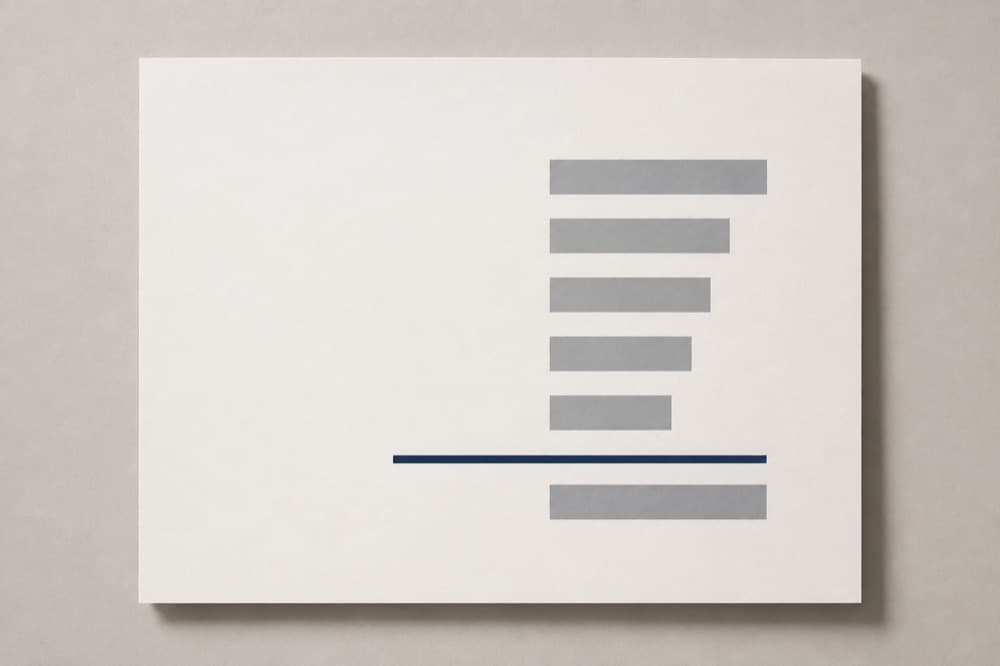
Price base with a right-aligned column and a heavy rule
Download
Price5 cr
Exclusions base outlined in a warm hairline
Download
What is not included5 cr
Four-panel grid base for reference images
Download
Reference panels5 cr
Full-bleed ink base with a cut-out window
Download
Cover, full bleed5 cr
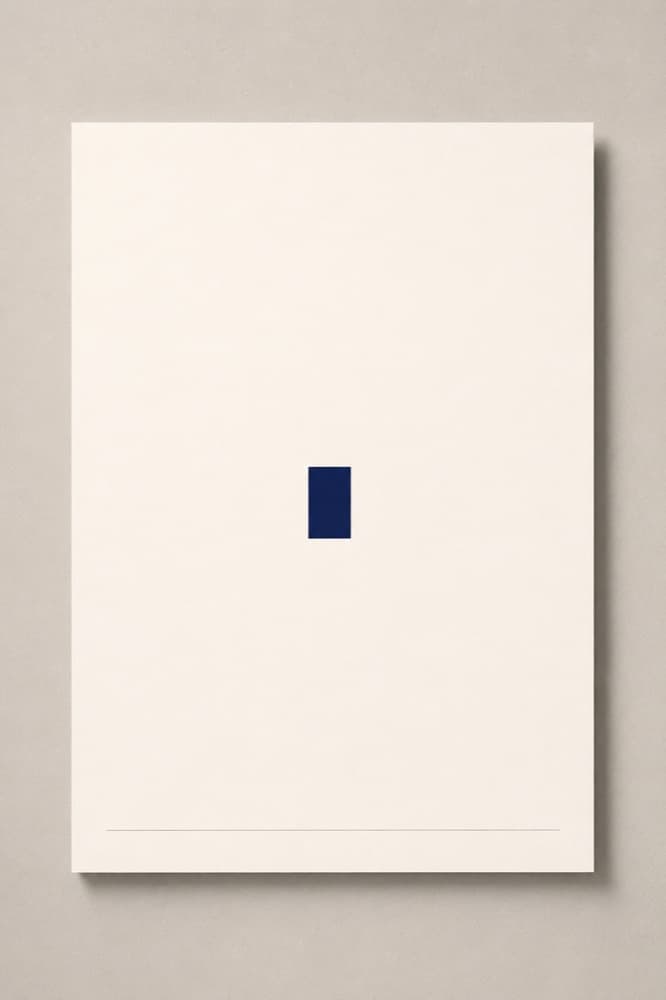
Near-blank base with a single rule and a small block
Download
Statement page5 cr
Three horizontal bands in descending tone
Download
Terms, banded5 cr
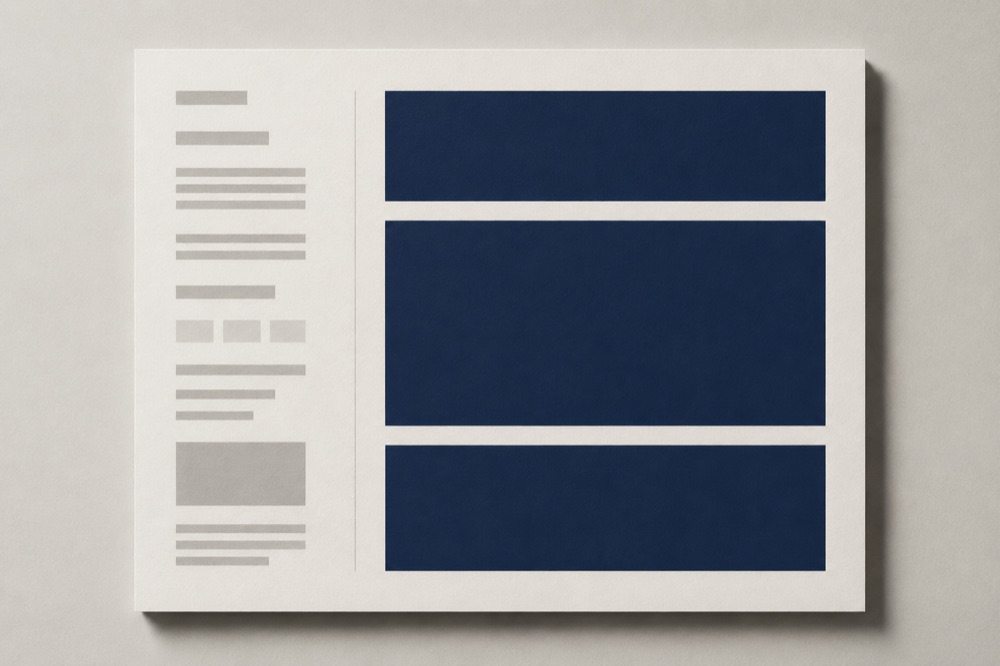
Sidebar base with an index down the left edge
Download
Scope with index5 cr
Centred block in a very wide margin
Download
Section divider5 cr
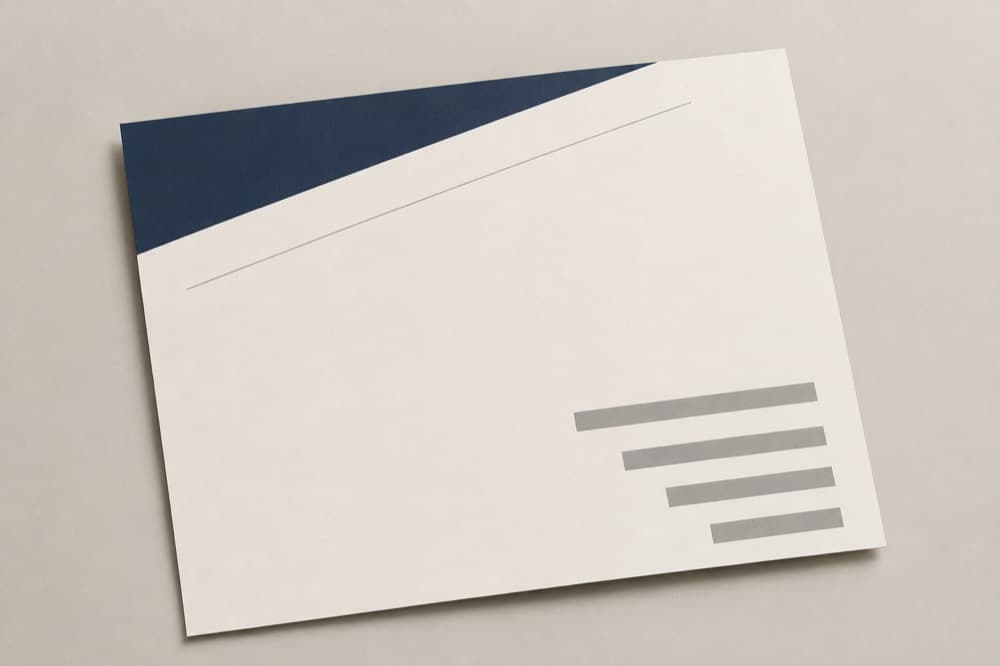
Diagonal composition stepping to the lower right
Download
Timeline, diagonal5 cr

Proposal 05

Five pages, in the order a client reads them.

Turn the pages. The scope comes before the price on purpose: by the time anyone reaches the number, they already know what it buys and where it stops.

Cover page base: ink block over an open lower half

01 / 05

Proposal 06

Three plans. No packs, no balance, no expiry games.

Every price on this site is in USD (United States dollars). Paid plans renew automatically until you cancel, and cancelling takes the same number of steps as subscribing.

Monthly terms are charged every month and renew until cancelled. All prices in USD (United States dollars).

Free

USD0.00

always free

Enough to lay out one page and see whether the idea holds.

50 credits each period

  • One-page proposal
  • Image export with a Quoteface watermark
  • Proofreading step before every export
  • Screen size (16:9)
  • Single page only
  • Watermarked export
  • No PDF export

No card required. No automatic charge of any kind.

Start free

By continuing you accept the Terms of Service, Refund Policy and Privacy Policy.

Sheet

Most used

USD18.00

per month

The working plan for someone who sends quotes every week.

500 credits each period

  • Multi-page proposals
  • No watermark
  • PDF export, screen (16:9) and print (300 dpi)
  • A4 and Letter page sizes
  • Proofreading step before every export
  • Unlimited edits to overlaid text and amounts

You will be charged USD 18.00 every month until you cancel. Cancel any time from Billing in your account; your plan then runs to the end of the period you have paid for.

Choose Sheet

By continuing you accept the Terms of Service, Refund Policy and Privacy Policy.

Practice

USD52.00

per month

For a studio sending proposals under its own house style.

2000 credits each period

  • Everything in Sheet
  • Saved brand templates
  • Batch page generation
  • Priority generation queue
  • Export history kept for 12 months

You will be charged USD 52.00 every month until you cancel. Cancel any time from Billing in your account; your plan then runs to the end of the period you have paid for.

Choose Practice

By continuing you accept the Terms of Service, Refund Policy and Privacy Policy.

Where the free plan stops

The free plan lays out a single page and exports it as an image carrying a Quoteface watermark. Extra pages, the clean export and PDF are what a paid plan unlocks. We are direct about why that is the line: a one-page proposal with someone else's mark on it is not something you can send to a client, and by the time you see it you have already written the whole thing.

What a credit is spent on

Credit cost per action
Chat request (breaking a quote into a proposal structure)1
Reading an uploaded reference image2
Generating or adjusting one page layout5

A free month of 50 credits covers one structural breakdown (1), reading two reference images (4) and nine passes at a page layout (45). There is no video action on this site at all — we explain why.

Full plan comparison, billing terms and cancellation

Proposal 07

Questions worth asking first.

01

Will you tell me what to charge?

No. Quoteface never suggests a price, never comments on whether a number is high or low, and never shows industry rate benchmarks. We hold no pricing data and inventing it would mislead you. The amount is yours; we lay it out. Quoteface does not provide accounting, tax, legal or pricing advice.

02

Is what I type used to train models?

No. The contents of your quotes — scope, dates, terms and every amount — are not used to train models, ours or anyone else's. Your text and uploaded images are processed to produce your proposal and then held only as long as your account needs them. You can delete a proposal at any time and request full erasure of your account data.

03

Who types the amounts and the dates?

You do. The generator only produces the visual base of a page — blocks, rules, margins and white space. Every amount, date, term and expiry is typed by you and rendered by the browser on top, so it can be corrected character by character. Before any export you pass a proofreading step that lists what you entered next to what appears on the finished page, and you tick each line off.

04

How accurate is the AI, and who is responsible for the output?

The structural breakdown is a suggestion and can be wrong, incomplete or unsuitable for your situation. You are responsible for checking it. A generated proposal is not a legal offer and carries no warranty of accuracy or fitness. Read the AI Disclaimer before you rely on anything the tool produces.

05

Do unused credits roll over, and can I buy more?

Credits are granted with each billing period and do not roll over. There are no credit packs and no stored balance — if you run out, you move to a higher plan or wait for the next period. Credits are a service allowance: they are not money, not stored value, not redeemable for cash and not transferable.

06

How do I cancel, and what happens to the rest of my period?

Cancel from Billing in your account, in the same number of steps it took to subscribe. Your plan stays active until the end of the period you have already paid for, then stops. We do not bill a part period back to you and we do not pro-rate a refund for time you did not use.

07

Can I get a refund?

Contact support first — most problems are fixed faster than a refund clears. Where an output is defective we would rather restore the credits it consumed. Approved refunds are returned by the same method used to pay. The Refund Policy sets out the full position.

08

Is there an age limit?

Yes. Quoteface is for adults working for themselves or for a business. You must be at least 18 to open an account. The service is not directed at children and we do not knowingly collect their data.

09

Why is there no video in a tool like this?

A proposal is emailed, printed, and annotated in a meeting. It has no time dimension, movement is not part of its content, and nothing about how it is received requires video. Adding an animated proposal would spend your credits on something your client will not open, so the product does not generate video at all.

10

What does the "what is not included" page do?

It is the page most quotes are missing, and the reason most of them turn into arguments later. Quoteface asks you for exclusions before it will lay out a proposal, and gives them a page of their own with the same weight as the scope. It is a required field.

Last page

Send the number in something worth opening.

Start with one sentence. You will have a cover, a scope, a timeline, a price page and an exclusions page — and every word on them will be yours.

Free plan, 50 credits a month, no card required. See the plans — paid plans renew automatically until cancelled, in USD, and you cancel from Billing in your account.

Made to be printed